Posted on

What Is a Moodboard? New Guide for Designers and Creatives

What Is a Moodboard

Table of Contents

  1. Introduction
  2. What Is a Moodboard?
  3. Why Moodboards Matter in Creative Projects
  4. Types of Moodboards: Digital vs. Physical
  5. Key Elements of an Effective Moodboard
  6. How to Create a Moodboard Step-by-Step
  7. Best Fonts to Use in Moodboards (With Examples)
  8. Tips for Using Moodboards in Client Projects
  9. Final Thoughts
  10. References

1. Introduction What Is a Moodboard

What Is a Moodboard In the world of visual communication, clarity is everything. Designers, branding specialists, artists, and creative professionals often rely on moodboards to communicate ideas before moving to the execution stage. Whether you’re working on a logo, packaging, website, or social media identity, a moodboard helps transform abstract ideas into a clear visual direction.

This article will explain what a moodboard is, why it matters, how to create one effectively, and which fonts from CalligraphyFonts.net you can use to enhance your moodboard presentation.

2. What Is a Moodboard?

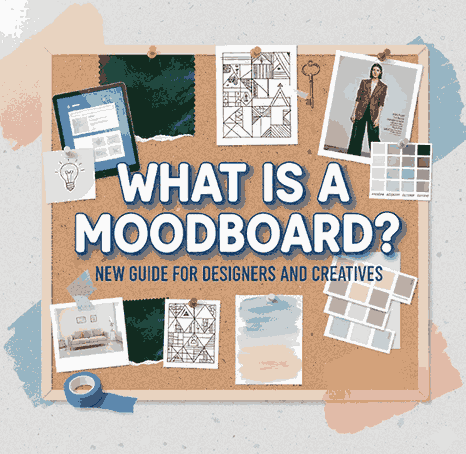
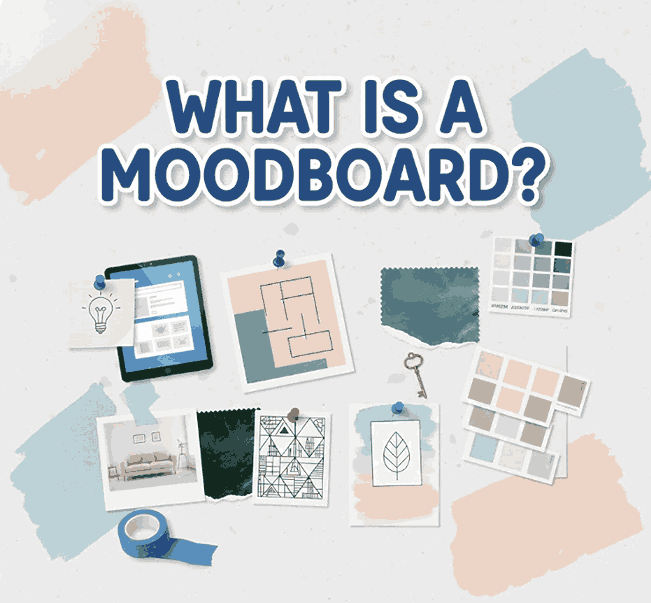
A moodboard is a curated visual collage containing images, colors, typography, textures, patterns, and design inspiration that represent the desired style or concept of a project. It helps communicate the emotional tone (“mood”) and overall aesthetic direction you aim to achieve.

A moodboard acts as a visual brainstorming tool, making it easier to align ideas between designers and clients.
What Is a Moodboard

3. What Is a Moodboard Matter in Creative Projects

3.1. Clarifies Visual Direction

Instead of relying on verbal descriptions, moodboards visually express the atmosphere and style you’re aiming for. Clients understand better and faster.

3.2. Prevents Miscommunication

Design projects commonly fail due to misaligned expectations. A moodboard eliminates this risk by giving a shared point of reference.

3.3. Saves Time and Resources

With a clear visual direction upfront, the design process becomes more efficient, reducing revisions and increasing productivity.

3.4. Boosts Creativity

Moodboards provide inspiration and help spark new ideas that might not emerge through words alone.

4. Types of “What Is a Moodboard”: Digital vs. Physical

4.1. Digital What Is a Moodboard

Digital moodboards are created using software like Canva, Figma, Adobe Illustrator, or Pinterest. They’re flexible, easy to share, and ideal for remote collaboration.

4.2. Physical What Is a Moodboard

These are made using printed materials, magazine cut-outs, fabric samples, or hand-drawn sketches. They provide tactile texture that some designers prefer for fashion, interior, or craft-based projects.

Both types are effective—it all depends on your workflow and project needs.

5. Key Elements of an Effective What Is a Moodboard

Color Palette

Your moodboard should include a consistent color theme that reflects the emotion of the project.

Images/Photography

Photos help convey the style—minimalist, vibrant, vintage, playful, or futuristic.

Typography

Fonts play a key role because they shape a brand’s personality. This is also where your chosen font mockups can shine (see Section 7).

Textures and Patterns

Include fabrics, grids, gradients, geometric shapes, and other visual elements based on your creative direction.

Keywords or Descriptive Notes

Words like “clean”, “elegant”, “retro”, or “bold” help reinforce your concept.

6. How to Create a Moodboard Step-by-Step

Step 1 – Define the Goal

Understand the purpose: branding, packaging, website design, logo creation, advertising, etc.

Step 2 – Research Inspiration

Use Pinterest, design blogs, Behance, or Instagram to gather visuals that express the desired mood.

Step 3 – Collect Visual Elements

Save images, textures, color palettes, icons, and typography samples.

Step 4 – Select Fonts

Choose fonts that express the style you’re going for. Minimalist fonts work for clean concepts; script fonts suit romantic or elegant themes.

Step 5 – Arrange the Layout

Organize your materials in a structured collage. Group similar elements for clarity.

Step 6 – Present to Your Client

Explain each visual choice and how it relates to the final design direction.

Step 7 – Revise if Needed

Refine based on client feedback to ensure alignment.

7. Best Fonts to Use in Moodboards (With Examples)

Typography is one of the most essential elements of any moodboard. To help you create a visually polished presentation, here are recommended fonts from CalligraphyFonts.net:

1. Overcame Font

A clean and modern sans-serif font perfect for bold headings and stylish minimalist concepts.

2. Kawaguchi Font

A geometric sans-serif font ideal for modern, futuristic, or grid-based moodboards. It gives a professional and structured impression.

3. Faint Green Font

A soft and elegant sans-serif with excellent readability. Great for clean branding, lifestyle concepts, and soft mood presentations.

Use these fonts to label sections in your moodboard, create headings, or show typography inspiration for branding projects.
What Is a Moodboard

8. Tips for Using What Is a Moodboard in Client Projects

Be Consistent What Is a Moodboard

Use a consistent color palette and type style to maintain coherence.

Avoid Overcrowding

Only include elements that truly capture the desired direction. Too many visuals make moodboards confusing.

Use High-Quality Images

Clients respond better to polished, high-resolution visuals.

Explain Your Choices

Don’t just show — tell why each element matters. This builds trust and credibility.

Integrate Your Fonts

Show how your own font collection can enhance the branding direction. This also subtly promotes your products.

9. Final Thoughts What Is a Moodboard

A moodboard is more than just a collage — it’s a powerful visual communication tool that helps designers clarify direction, express emotion, and align expectations. Whether you are building a brand identity, crafting packaging, or designing a website, moodboards help set a solid foundation for the creative process.

Using fonts from CalligraphyFonts.net can greatly enhance your moodboard’s professionalism and aesthetic appeal. Incorporate them thoughtfully to communicate style, personality, and design direction clearly.

10. References What Is a Moodboard

Posted on

Free Logo Design Brief Template: What to Include, How to Works & Best New Practices

Logo Design Brief Template

Table of Contents

  1. Introduction
  2. What Is a Logo Design Brief?
  3. Why You Need a Logo Design Brief Template
  4. Key Elements of an Effective Logo Design Brief
    • 4.1 Company Background
    • 4.2 Brand Personality
    • 4.3 Target Audience
    • 4.4 Competitor Insights
    • 4.5 Project Objectives
    • 4.6 Preferred Style & Visual Direction
    • 4.7 Color Palette & Typography
    • 4.8 Usage Requirements
    • 4.9 Budget & Timeline
  5. Sample Logo Design Brief Template (Ready to Copy)
  6. Best Fonts for Logo Design (Font Mockups Included)
  7. Tips for Designers & Clients
  8. Conclusion
  9. References

1. Introduction Logo Design Brief Template

Logo Design Brief Template Creating a great logo doesn’t start with sketching—it starts with clarity. A clear, well-structured Logo Design Brief Template helps designers understand a brand’s identity, mission, audience, and visual expectations before the creative process begins. Whether you are a designer or a business owner, using a strong brief ensures smooth communication, faster revisions, and a professional final result.

This article will guide you through everything you need to include in a powerful logo design brief, complete with a ready-to-use template and recommended fonts you can use for your branding projects.

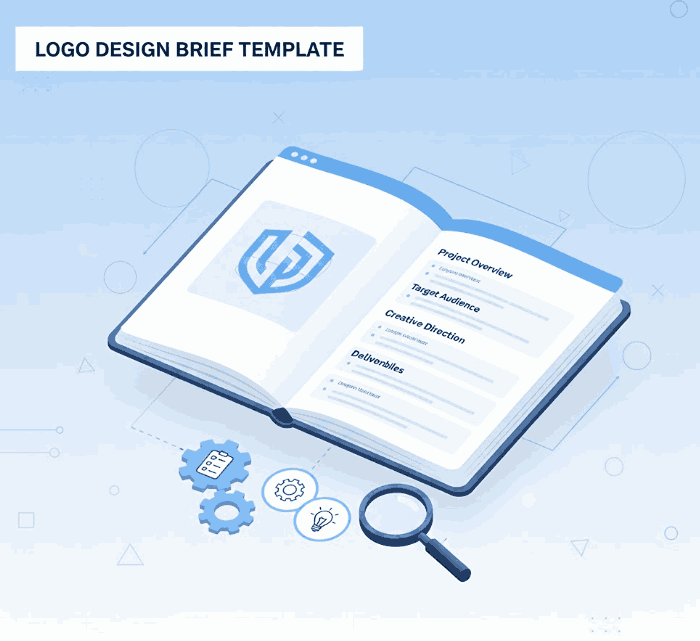
Logo Design Brief Template

2. What Is a Logo Design Brief Template?

A logo design brief is a document that outlines essential information about a brand, design goals, project requirements, and visual preferences for creating a new logo. It acts as the foundation of the entire design process, ensuring both client and designer are aligned from the start.

Without a proper brief, the logo creation process becomes guesswork—and costly revisions are bound to happen.

3. Why You Need a Logo Design Brief Template

A professional Logo Design Brief Template helps you:

  • Gather essential brand information quickly
  • Communicate expectations clearly
  • Prevent misunderstandings
  • Reduce revision rounds
  • Speed up project delivery
  • Improve collaboration
  • Build brand consistency

Most importantly, a template ensures every detail is covered—no missing pieces that might slow down the project later.

4. Key Elements of an Effective Logo Design Brief Template

4.1 Company Background

Provide critical information such as:

  • Company name
  • Industry
  • Products or services offered
  • Unique selling points (USP)
  • Mission and vision

This helps designers understand what makes the brand special.

4.2 Brand Personality

Is the brand modern or traditional? Playful or corporate? Elegant or bold?

Defining personality helps create a visual identity that reflects the brand’s character.

4.3 Target Audience

Understanding audience demographics and behaviors allows designers to craft a logo that resonates with the right people.

Examples:

  • Age group
  • Interests
  • Location
  • Pain points
  • Purchase motivation

4.4 Competitor Insights

Analyzing competitors helps a brand:

  • Avoid similarity
  • Identify design gaps
  • Ensure uniqueness in the market

Clients should list 3–5 competitors with screenshots or logos for comparison.

4.5 Project Objectives

Define what the logo must achieve:

  • Increase brand recognition
  • Rebrand existing identity
  • Launch a new product line
  • Modernize outdated visuals

4.6 Preferred Style & Visual Direction

This section outlines the brand’s visual tastes:

  • Minimalist
  • Handwritten
  • Luxury
  • Vintage
  • Geometric
  • Playful
  • Serif / Sans serif

Providing sample inspirations helps designers eliminate guesswork.

4.7 Color Palette & Typography

State preferred (or avoided) colors and suggest potential typefaces. Clear direction prevents inconsistent branding.

4.8 Usage Requirements

Where will the logo be used?

  • Website
  • Social media
  • Packaging
  • Business cards
  • Apparel printing
  • Signage

Knowing these helps designers choose the right file formats and scalability.

4.9 Budget & Timeline

A brief should mention:

  • Budget range
  • Preferred timeline
  • Important milestones

This helps align expectations from day one.

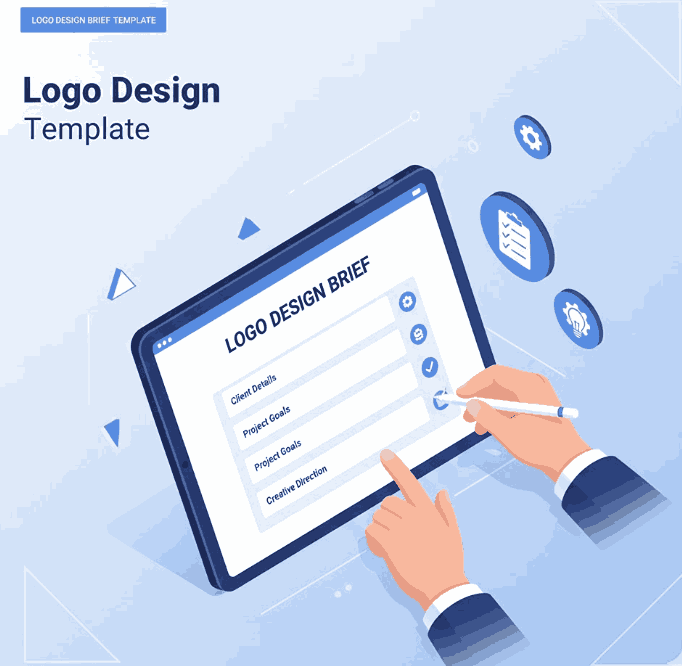
Logo Design Brief Template

5. Sample Logo Design Brief Template (Copy & Paste)

Logo Design Brief Template

1. Company Information

  • Company Name:
  • Industry:
  • Products/Services:
  • Mission & Vision:

2. Brand Personality
(Select or describe)

  • Modern / Traditional
  • Playful / Formal
  • Luxurious / Minimal

3. Target Audience

  • Age:
  • Gender:
  • Interests:
  • Location:

4. Competitors
(List at least 3 and their websites/logos)

5. Project Goals

  • What problem should the logo solve?

6. Style Preferences

  • Preferred Style (Modern, handwritten, bold, etc.)
  • Example Inspirations:
  • Colors to Use/Avoid:

7. Typography Preferences

  • Script / Sans / Serif / Calligraphy
  • Optional: Provide font examples

8. Usage Requirements

  • Where will the logo appear?

9. Deliverables

  • File formats (PNG, SVG, AI, EPS)
  • Primary + Secondary versions

10. Budget & Deadline

  • Budget range:
  • Deadline:
  • Milestones:

6. Best Fonts for Logo Design Brief Template (Mockups Included)

Here are premium calligraphy fonts from CalligraphyFonts.net that work beautifully for logo design. Use them as mockup samples in your brief:

Jaycee Looks Font (Handwritten Signature)

Perfect for personal branding, fashion labels, or creative studios.

Joanna Fanny Font (Elegant Script)

Ideal for luxury branding, boutique logos, wedding businesses, and premium products.

Anthonyela Calligraphy Font (Bold & Stylish)

Great for beauty brands, lifestyle logos, upscale packaging, and signature logos.

These fonts bring emotional value, personality, and professionalism to any branding project.

7. Tips for Designers & Clients Logo Design Brief Template

✓ For Designers

  • Ask follow-up questions when the brief is unclear
  • Offer 2–3 design directions based on the brief
  • Use premium fonts to elevate professionalism
  • Provide a brand style guide with logo delivery

✓ For Clients

  • Be honest and specific about preferences
  • Provide real examples and inspirations
  • Avoid “I’ll know it when I see it” feedback
  • Trust the designer’s creative judgment

8. Conclusion Logo Design Brief Template

A strong Logo Design Brief Template is essential for producing meaningful, visually consistent, and brand-aligned logo designs. Whether you run a business or work as a designer, using a well-structured brief saves time, avoids confusion, and leads to stunning results.

With the template provided above—and the recommended fonts from CalligraphyFonts.net—you have everything you need to create a professional and effective logo design workflow.

9. References