Posted on

Free Logo Design Brief Template: What to Include, How to Works & Best New Practices

Logo Design Brief Template

Table of Contents

  1. Introduction
  2. What Is a Logo Design Brief?
  3. Why You Need a Logo Design Brief Template
  4. Key Elements of an Effective Logo Design Brief
    • 4.1 Company Background
    • 4.2 Brand Personality
    • 4.3 Target Audience
    • 4.4 Competitor Insights
    • 4.5 Project Objectives
    • 4.6 Preferred Style & Visual Direction
    • 4.7 Color Palette & Typography
    • 4.8 Usage Requirements
    • 4.9 Budget & Timeline
  5. Sample Logo Design Brief Template (Ready to Copy)
  6. Best Fonts for Logo Design (Font Mockups Included)
  7. Tips for Designers & Clients
  8. Conclusion
  9. References

1. Introduction Logo Design Brief Template

Logo Design Brief Template Creating a great logo doesn’t start with sketching—it starts with clarity. A clear, well-structured Logo Design Brief Template helps designers understand a brand’s identity, mission, audience, and visual expectations before the creative process begins. Whether you are a designer or a business owner, using a strong brief ensures smooth communication, faster revisions, and a professional final result.

This article will guide you through everything you need to include in a powerful logo design brief, complete with a ready-to-use template and recommended fonts you can use for your branding projects.
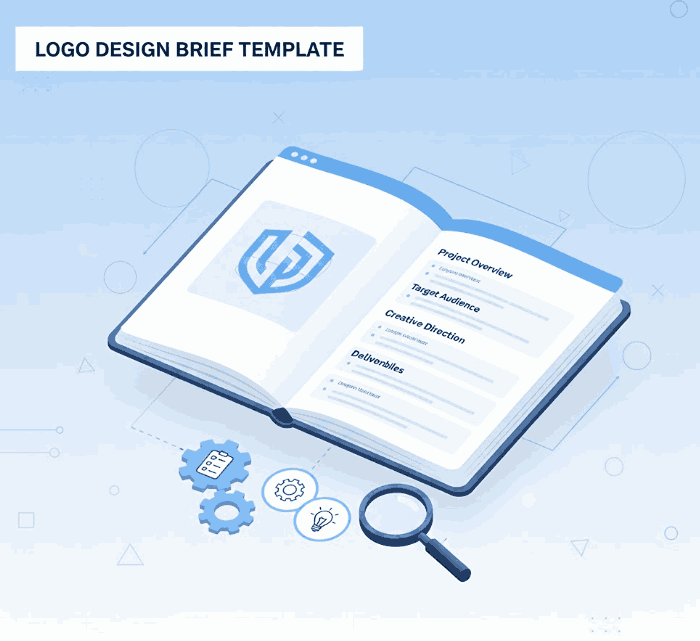
Logo Design Brief Template

2. What Is a Logo Design Brief Template?

A logo design brief is a document that outlines essential information about a brand, design goals, project requirements, and visual preferences for creating a new logo. It acts as the foundation of the entire design process, ensuring both client and designer are aligned from the start.

Without a proper brief, the logo creation process becomes guesswork—and costly revisions are bound to happen.

3. Why You Need a Logo Design Brief Template

A professional Logo Design Brief Template helps you:

  • Gather essential brand information quickly
  • Communicate expectations clearly
  • Prevent misunderstandings
  • Reduce revision rounds
  • Speed up project delivery
  • Improve collaboration
  • Build brand consistency

Most importantly, a template ensures every detail is covered—no missing pieces that might slow down the project later.

4. Key Elements of an Effective Logo Design Brief Template

4.1 Company Background

Provide critical information such as:

  • Company name
  • Industry
  • Products or services offered
  • Unique selling points (USP)
  • Mission and vision

This helps designers understand what makes the brand special.

4.2 Brand Personality

Is the brand modern or traditional? Playful or corporate? Elegant or bold?

Defining personality helps create a visual identity that reflects the brand’s character.

4.3 Target Audience

Understanding audience demographics and behaviors allows designers to craft a logo that resonates with the right people.

Examples:

  • Age group
  • Interests
  • Location
  • Pain points
  • Purchase motivation

4.4 Competitor Insights

Analyzing competitors helps a brand:

  • Avoid similarity
  • Identify design gaps
  • Ensure uniqueness in the market

Clients should list 3–5 competitors with screenshots or logos for comparison.

4.5 Project Objectives

Define what the logo must achieve:

  • Increase brand recognition
  • Rebrand existing identity
  • Launch a new product line
  • Modernize outdated visuals

4.6 Preferred Style & Visual Direction

This section outlines the brand’s visual tastes:

  • Minimalist
  • Handwritten
  • Luxury
  • Vintage
  • Geometric
  • Playful
  • Serif / Sans serif

Providing sample inspirations helps designers eliminate guesswork.

4.7 Color Palette & Typography

State preferred (or avoided) colors and suggest potential typefaces. Clear direction prevents inconsistent branding.

4.8 Usage Requirements

Where will the logo be used?

  • Website
  • Social media
  • Packaging
  • Business cards
  • Apparel printing
  • Signage

Knowing these helps designers choose the right file formats and scalability.

4.9 Budget & Timeline

A brief should mention:

  • Budget range
  • Preferred timeline
  • Important milestones

This helps align expectations from day one.
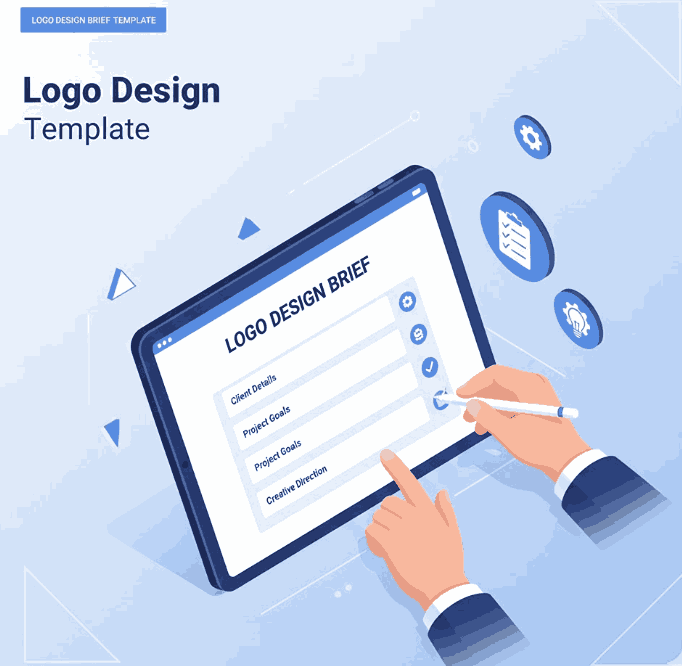
Logo Design Brief Template

5. Sample Logo Design Brief Template (Copy & Paste)

Logo Design Brief Template

1. Company Information

  • Company Name:
  • Industry:
  • Products/Services:
  • Mission & Vision:

2. Brand Personality
(Select or describe)

  • Modern / Traditional
  • Playful / Formal
  • Luxurious / Minimal

3. Target Audience

  • Age:
  • Gender:
  • Interests:
  • Location:

4. Competitors
(List at least 3 and their websites/logos)

5. Project Goals

  • What problem should the logo solve?

6. Style Preferences

  • Preferred Style (Modern, handwritten, bold, etc.)
  • Example Inspirations:
  • Colors to Use/Avoid:

7. Typography Preferences

  • Script / Sans / Serif / Calligraphy
  • Optional: Provide font examples

8. Usage Requirements

  • Where will the logo appear?

9. Deliverables

  • File formats (PNG, SVG, AI, EPS)
  • Primary + Secondary versions

10. Budget & Deadline

  • Budget range:
  • Deadline:
  • Milestones:

6. Best Fonts for Logo Design Brief Template (Mockups Included)

Here are premium calligraphy fonts from CalligraphyFonts.net that work beautifully for logo design. Use them as mockup samples in your brief:

Jaycee Looks Font (Handwritten Signature)

Perfect for personal branding, fashion labels, or creative studios.

Joanna Fanny Font (Elegant Script)

Ideal for luxury branding, boutique logos, wedding businesses, and premium products.

Anthonyela Calligraphy Font (Bold & Stylish)

Great for beauty brands, lifestyle logos, upscale packaging, and signature logos.

These fonts bring emotional value, personality, and professionalism to any branding project.

7. Tips for Designers & Clients Logo Design Brief Template

✓ For Designers

  • Ask follow-up questions when the brief is unclear
  • Offer 2–3 design directions based on the brief
  • Use premium fonts to elevate professionalism
  • Provide a brand style guide with logo delivery

✓ For Clients

  • Be honest and specific about preferences
  • Provide real examples and inspirations
  • Avoid “I’ll know it when I see it” feedback
  • Trust the designer’s creative judgment

8. Conclusion Logo Design Brief Template

A strong Logo Design Brief Template is essential for producing meaningful, visually consistent, and brand-aligned logo designs. Whether you run a business or work as a designer, using a well-structured brief saves time, avoids confusion, and leads to stunning results.

With the template provided above—and the recommended fonts from CalligraphyFonts.net—you have everything you need to create a professional and effective logo design workflow.

9. References

Posted on

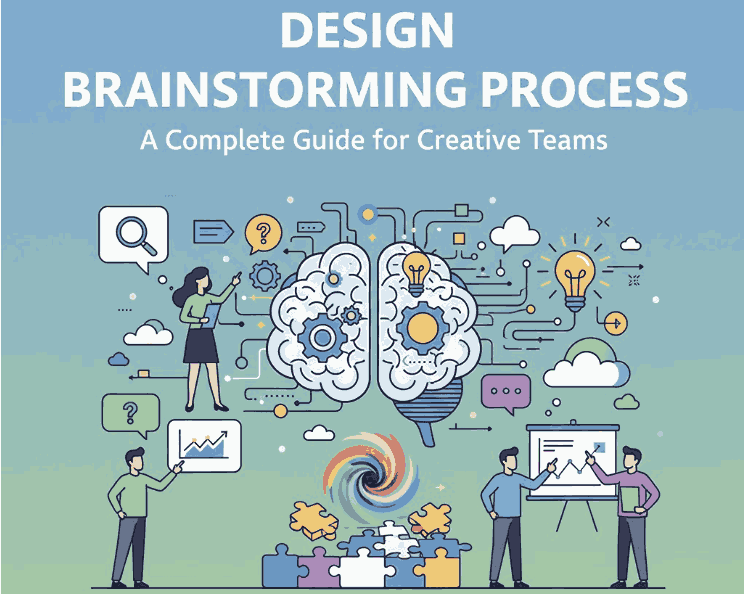
Design Brainstorming Process: A Complete Guide for Creative Teams

Design Brainstorming Process

Table of Contents

  1. Introduction
  2. What Is the Design Brainstorming Process?
  3. Why Brainstorming Matters in Creative Projects
  4. Key Stages of the Design Brainstorming Process
    • 4.1 Preparation
    • 4.2 Idea Generation
    • 4.3 Idea Evaluation
    • 4.4 Refinement & Selection
    • 4.5 Execution
  5. Best Techniques for Effective Design Brainstorming
  6. How Typography Supports the Brainstorming Workflow
  7. Recommended Fonts for Brainstorming Mockups
  8. Tips to Improve Your Brainstorming Sessions
  9. Conclusion
  10. References

1. Introduction

Design Brainstorming Process is an essential step in every creative workflow. Whether you are building a brand identity, designing a website, or crafting digital assets, brainstorming helps teams generate ideas, explore visual directions, and discover solutions that push creativity forward.

This article will guide you through the entire brainstorming process, explain why it is important, share effective brainstorming techniques, and show how typography plays a vital role—complete with recommended fonts from CalligraphyFonts.net.

Design Brainstorming Process

2. What Is the Design Brainstorming Process?

The design brainstorming process is a structured method of generating, evaluating, and refining creative ideas for a design project. It allows designers, teams, or clients to explore concepts freely without judgment, encouraging innovation and unexpected creative outcomes.

Unlike ordinary idea collection, design brainstorming focuses on visual thinking, such as sketching, mood boards, typography experiments, mockups, color exploration, and rapid concept drafts.

3. Why Design Brainstorming Process Matters in Creative Projects

Brainstorming is not just a meeting—it is a strategic tool that improves your design work in several ways:

✔ Encourages Idea Diversity

A structured brainstorm allows participants to share ideas without limitation, resulting in wider creative options.

✔ Solves Problems Faster

Visual ideation helps reveal design issues early and speeds up creative decision-making.

✔ Boosts Creativity & Innovation

Brainstorming breaks mental blocks and encourages designers to think beyond predictable solutions.

✔ Strengthens Team Communication

Collaborative brainstorming aligns vision between designers, marketers, and clients.

✔ Leads to Stronger Visual Identity

Brainstorming helps designers unify typography, layout, color, and brand style in a purposeful way.

4. Key Stages of the Design Brainstorming Process

4.1 Preparation

This is where you define the project scope, design objectives, user needs, and brand direction. Designers gather:

  • brand guidelines
  • color palettes
  • competitor analysis
  • inspirational references
  • target audience insights

4.2 Idea Generation

The fun part. Designers generate as many ideas as possible through:

  • sketching
  • freewriting
  • mood boarding
  • rapid prototyping
  • typography exploration
  • keyword mapping

No judgment—just creativity.

4.3 Idea Evaluation

Next, filter ideas to see which concepts align with project goals. Evaluate based on:

  • brand consistency
  • audience appeal
  • visual clarity
  • originality
  • practicality

4.4 Refinement & Selection

Promising ideas are refined into clearer visual concepts. Designers improve:

  • layout
  • typography choices
  • color combinations
  • iconography
  • illustration style

This stage transforms rough ideas into focused visual directions.

4.5 Execution

The final designs are created based on the refined concepts. This includes:

  • high-fidelity mockups
  • final typography
  • color adjustments
  • asset preparation
  • client-ready presentations
Design Brainstorming Process

5. Best Techniques for Effective Design Brainstorming Process

Use these proven techniques to elevate your brainstorming:

✔ Mind Mapping Design Brainstorming Process

Helps connect ideas visually and explore unexpected directions.

✔ SCAMPER Method Design Brainstorming Process

Substitute, Combine, Adapt, Modify, Put to another use, Eliminate, Reverse.

✔ Mood Boards Design Brainstorming Process

Great for exploring design style, aesthetics, fonts, and imagery.

✔ Sketch Storming Design Brainstorming Process

Rapid sketching pushes visual exploration early.

✔ Brain Writing Design Brainstorming Process

Team members write ideas silently—avoids group pressure.

✔ Typography Experimentation Design Brainstorming Process

Trying different typefaces quickly reveals brand personality.

6. How Typography Supports the Design Brainstorming Process Workflow

Typography is often a key element during the brainstorming stage. The right font can help define:

  • tone and personality
  • visual hierarchy
  • emotional impact
  • brand consistency

Using expressive styles—script, signature, brush, and calligraphy—can make brainstorming mockups feel more alive and inspiring. This is why designers often use premium display fonts early in ideation to visualize strong identity concepts.

7. Recommended Fonts for Design Brainstorming Process Mockups

Here are four font suggestions from CalligraphyFonts.net that work beautifully for design brainstorming presentations, mood boards, and mockups:

1. Rellative Font (Signature Style)

Elegant, modern, and expressive—perfect for branding and concept sketches.

2. Signatory Signature Font

A stylish handwritten font ideal for ideation notes, creative headers, and mood boards.

3. Holters Font

A bold, expressive brush font that brings energy to brainstorming visuals.

4. Anthonyela Calligraphy Font

A sophisticated calligraphy script that adds an artistic and premium feel to presentations.

Using these fonts in your brainstorming mockups instantly upgrades the look and communicates your design direction more effectively.

8. Tips to Improve Your Design Brainstorming Process Sessions

  • Avoid judging ideas too early—creativity thrives on freedom.
  • Set clear objectives so everyone understands the design goal.
  • Use visual tools like sketches, fonts, and mood boards to unlock creativity.
  • Limit sessions to 30–45 minutes to maintain energy and focus.
  • Encourage wild ideas—they often lead to breakthrough concepts.
  • Document everything to revisit sketches and notes later.

9. Conclusion Design Brainstorming Process

The design brainstorming process remains one of the most powerful tools for unlocking creativity and achieving innovative design solutions. Whether you’re working on branding, digital products, or print materials, brainstorming provides structure, clarity, and inspiration. Combined with strong typography choices—such as the fonts from CalligraphyFonts.net—your brainstorming workflow becomes more dynamic and visually engaging.

10. References

(Non-broken authoritative sources)